When to Use Modifiers
Modifiers allow customers to customise items by selecting add ons, extras or ingredient choices. Modifier sets are assigned to items in Square and appear in QRdrly during item selection.
When to use modifiers
Section titled “When to use modifiers”Use modifiers when:
- Customers can choose multiple options
- “Build a bowl” style modifiers
- Choices represent ingredients or add ons
- Customers can pick more than one selection
Examples include extra toppings, sauces, sides or ingredient lists.
When not to use modifiers
Section titled “When not to use modifiers”Do not use modifiers for fixed versions of an item that should be variations. If the choice represents two distinct versions of a product with set prices, use variations.
Modifier naming
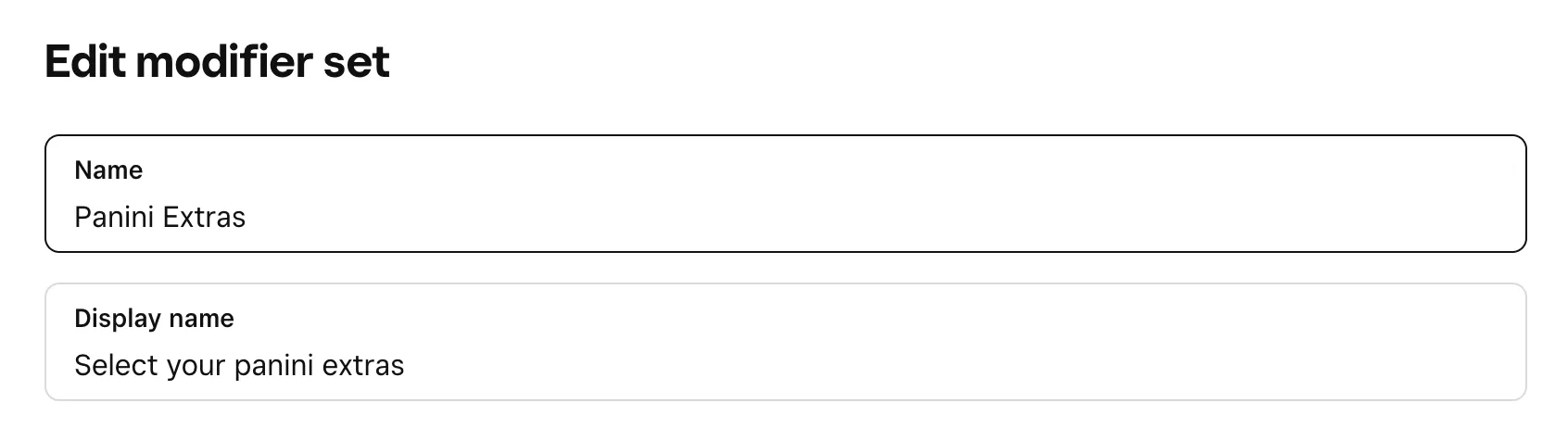
Section titled “Modifier naming”QRdrly uses the modifier display name to display the modifier to the customer. This means you can use the name field to easily identify the modifier in the Square dashboard.
Best practices
Section titled “Best practices”- Group modifiers logically in Square
- Use clear naming for modifier sets
- Avoid too many individual modifiers inside a single set